
 
     |
| Photo editing software (Page 2/2) |

|
Raydar
|
AUG 12, 02:37 PM
|
|
|
|
|
williegoat
|
AUG 12, 02:51 PM
|
|
Ha! A blast from the past. I still have the install .zip from 1996, a whopping 305.9 KB.
| quote | About LView Pro 1.D2
for Windows 95, Windows NT and Windows 3.1 with Win32s 1.30
Copyright (C) 1993-1996 Leonardo Loureiro.
All Rights Reserved.
Major characteristics:
LView Pro is an image file editor for Microsoft Windows 95,
Windows NT 3.51 or newer and Windows 3.1* with Win32s 1.30
or newer. It loads/saves image files in: JPEG JFIF, GIF
87a/89a, TIFF, Truevision Targa, Windows and OS/2 BMP, ZSoft's
PCX, and PBMPLUS' PBM, PGM and PPM formats.
Hardware requirements:
The fully functional SHAREWARE version of the software requires
a 386 or better CPU to run. A true color SVGA card is also
recomended, though the software will run with most display cards.
A mouse or other pointing device is required for performing most
editing functions.
Software requirements:
LView Pro 1.D requires Microsoft Windows 95, Windows NT 3.51
or newer, or Windows 3.1* with Win32s 1.30 or newer. |
|
|
|
|
|
Raydar
|
AUG 13, 09:57 PM
|
|
| quote | Originally posted by williegoat:
Ha! A blast from the past.
|
|
About LView Pro
Freeware LView software was first distributed on Usenet newsgroups in the Summer of 1993. The shareware title LView Pro, a pioneer 32-bit GIF, JPEG, and BMP viewer/editor for Windows 95, became widely popular and was distributed mainly on Internet web sites, including its own site.
Numerous new versions of LView Pro were released from 1995 to 2006, the latest of which continued to be activelly sold until October of 2017, when license fees for its use were waived by the author of the software. At that time, a Google search for "lview pro" under "books" still generated over 1,000 results, with 131 mentions on PC Magazine.
We thank the countless individual users, commercial businesses, academic institutions, and government agencies who have used and funded the development of LView Pro throughout its active commercial history.
The 64-bit version of LView can be used on Windows 7 x64 and newer 64-bit Windows versions, while the 32-bit version requires Windows XP or newer.
LView Pro works on Windows 10:
save the installation software to a file on a local hard drive
right click on the file and select "Run as Administrator" from the menu [This message has been edited by Raydar (edited 08-13-2023).]
|
|
|
|
williegoat
|
AUG 13, 10:27 PM
|
|
I just found an old screenshot of GIMP running on Debian on a Motorola PPC from about 20 years ago. The machine originally ran NT4 and had SCSI drives.
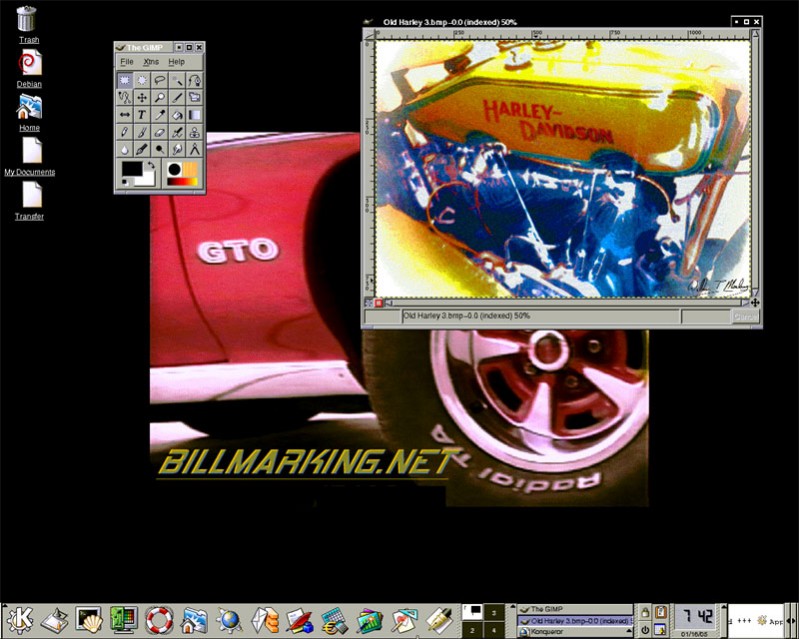
I took the pic of the old H-D at Alan Travis's house after he won the Great American race in a 1910 Knox.
|
|
|
|
ls3mach
|
AUG 14, 08:30 AM
|
|
| quote | Originally posted by williegoat:
I just found an old screenshot of GIMP running on Debian on a Motorola PPC from about 20 years ago. The machine originally ran NT4 and had SCSI drives.
I took the pic of the old H-D at Alan Travis's house after he won the Great American race in a 1910 Knox. |
|
Except for the low resolution, that KDE? environment looks modern.
Paint.net still a thing? I'm not artistic, but I used to make submitals using it sometimes.
|
|
|
|
williegoat
|
AUG 14, 09:30 AM
|
|
| quote | Originally posted by ls3mach:
Except for the low resolution, that KDE? environment looks modern.
|
|
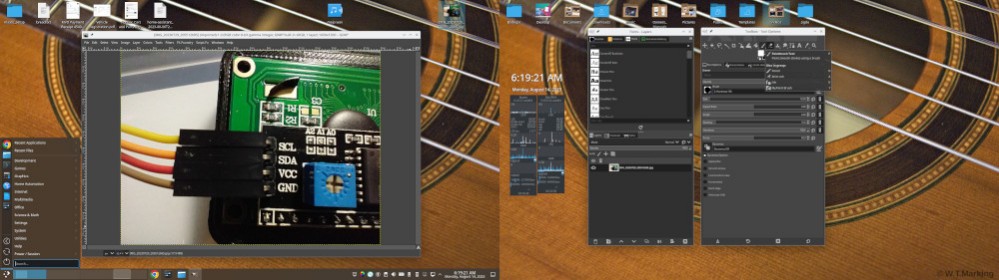
That is indeed KDE. I still use KDE (now called Plasma), Debian and GIMP.
|
|
|
|