|
| New PFF features - I've been busy! (Page 10/14) |

|
FieroJonney
|
DEC 07, 04:35 PM
|
|
Awesome! Great job Cliff! Thanks.
Test from iPad 4.
Edit - not sure why it's upside down
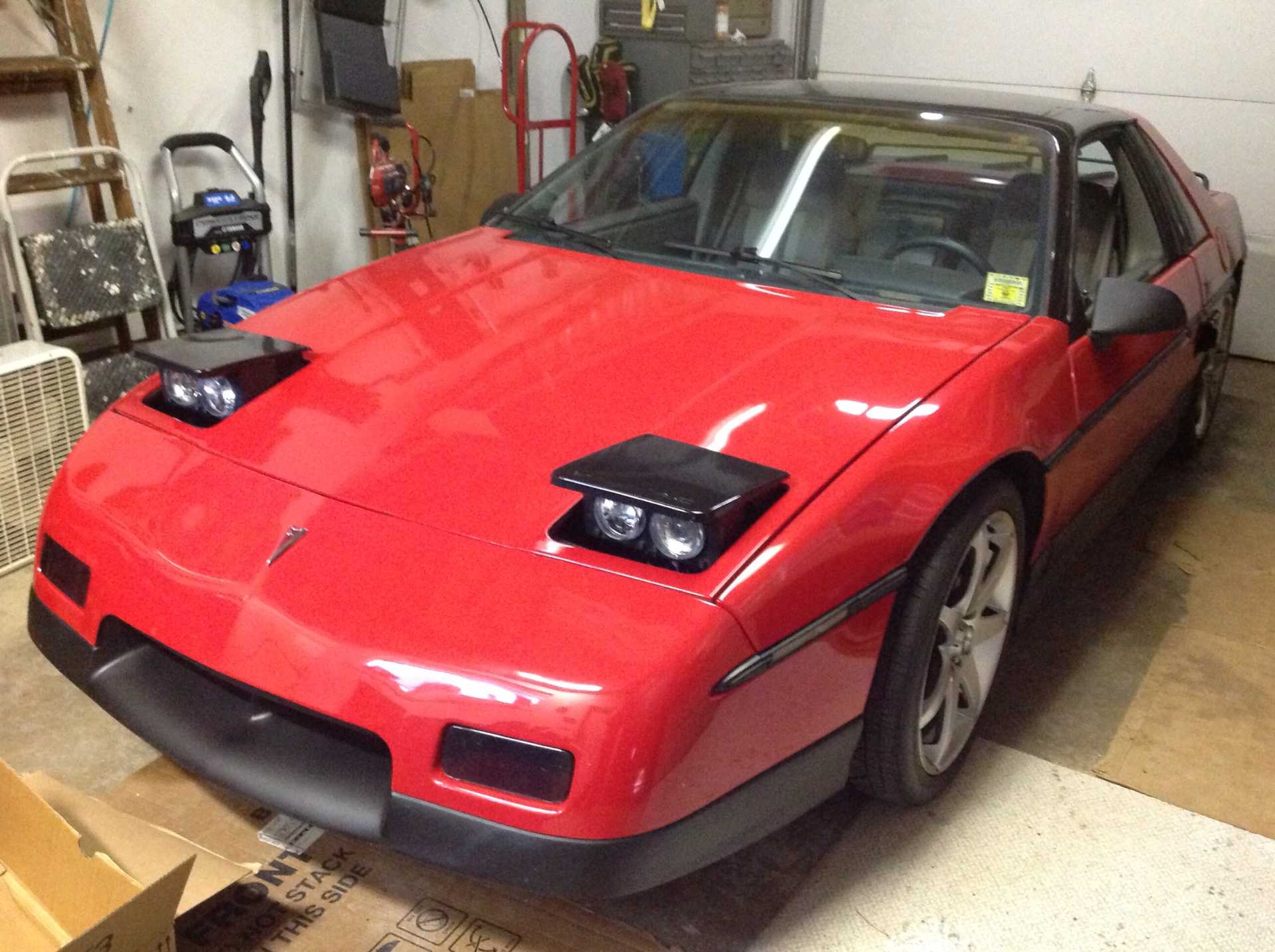 [This message has been edited by FieroJonney (edited 12-07-2019).]
|
|
|
|
Cliff Pennock
|
DEC 07, 04:35 PM
|
|
| quote | Originally posted by cvxjet:
Cliff, I ran into a couple of situations....One is the positioning of the pics when you put the post up; I have solved that by locating the cursor before I load the pics, or if it is out of place after posting I can just grab them (In edit) and move them. |
|
Yes, it inserts the picture at the cursor position.
| quote | | The other situation is just a bit frustrating; When I am posting for the first time and try t o load pics, it comes back with "You must be logged on to post pics; Solved it by posting, then "Edit" and loading the pics. |
|
Yes, you need to be logged in because all images are stored in you own private album. But once you have posted a message (or logged in through the main forum page) you should stay logged in for a year or so. If you are not logged in the next time you visit PFF, then there's something odd going on with your cookies (maybe you block them?).
| quote | | It is still much better than having to ask someone to post my pics.......(Here is a pic of the type of computer I fixed at Atari back in 1982 (But I can't program to save my life!) |
|
Those Ataris are probably the coolest computers I've *ever* programmed. In those days, I used to be a freelance programmer for Atari. I've owned an Atari 800 (lend it to someone one day and never saw it back), Atari 800XL (same story, never got it back) and I still own an Atari 512 ST.
|
|
|
|
Cliff Pennock
|
DEC 07, 04:44 PM
|
|
| quote | Originally posted by FieroJonney:
Awesome! Great job Cliff! Thanks.
Test from iPad 4.
|
|
Another upside down image. 😄
I'm not entirely sure why that happens, but I guess it's because the images are shown how they are stored in the file. Especially with mobile phones, you can take picture upside down but because the phone also stores camera orientation in the file, viewers can automatically rotate the image.
|
|
|
|
FieroJonney
|
DEC 07, 04:53 PM
|
|
| quote | Originally posted by Cliff Pennock:
Another upside down image. 😄
I'm not entirely sure why that happens, but I guess it's because the images are shown how they are stored in the file. Especially with mobile phones, you can take picture upside down but because the phone also stores camera orientation in the file, viewers can automatically rotate the image. |
|
This makes sense. I took the pic upside down and rotated it afterwards.[This message has been edited by FieroJonney (edited 12-07-2019).]
|
|

|
Patrick
|
DEC 07, 05:06 PM
|
|
|
|
|
Cliff Pennock
|
DEC 07, 07:20 PM
|
|
Ok, PFF should now be able to detect device orientation and rotate the image for you.
Be aware it does this during upload. So any images already uploaded will not be rotated.
|
|
|
|
cvxjet
|
DEC 07, 09:44 PM
|
|
Cliff- When I worked at Atari down in San Jose, there was a problem that started coming up (Let's call it the T1 Failure) So I happened to notice that every computer with that failure code had a Sansui main chip, while most of the others had Rockwell main chips...I went and grabbed a tube of Rockwell chips and would replace it on those with that code- after 2 weeks I hadn't seen one come back from oven testing, so I told the other troubleshooters.
Two months later, the head technician came down from his lab and came to me, asking if I was "The one who came up with the chip-fix for the T1 failure"
I stated "Yes- I was right, wasn't I?"
"Oh yes, there is a tolerance difference between the two chips- we are talking to Sansui about correcting it. What kind of testing did you do to figure this out?"
"I just noticed the difference in manufacturer..."
He had spent TWO months in his lab trying to figure out what was wrong with his O-scope and meters, etc......He wanted to pull his hair out when he realized I had fixed it in 2 weeks!
(I had just got out of the Navy; They haven't time to do a bunch of troubleshooting- find which major part is bad, swap it and get the plane back up quickly!)
|
|
|
|
Patrick
|
DEC 08, 03:35 AM
|
|
Cliff, I've got a question for you. When I posted the following image (using PIP) back in October Here, it displayed full-size... 1024x1385. The file size is 251 kb.
Why is it now being shrunk way way down (both here and in the original thread)? 

|
|
|
|
Cliff Pennock
|
DEC 08, 05:17 AM
|
|
| quote | Originally posted by Patrick:
Why is it now being shrunk way way down (both here and in the original thread)?
|
|
They are not. They are still the same size only shrunk down on screen so people don't have to scroll that much (if at all) to view the image. Scrolling horizontally and/or vertically just to view a photo was one of the annoyances of a lot of people.
Right click the image and choose "View Image". You will see the image is still the same size as before. Perhaps I'll build in some kind of zoom feature so you can easily view the image in it's "original" size (images above a certain size will always be downsized physically).
|
|
|
|
JohnWPB
|
DEC 08, 12:06 PM
|
|
Cliff... THANK YOU!
This will make everyone lives SO much easier to post a photo now.
A nice side benefit is there will no longer be the clutter of the hundreds and hundreds of posts saying "How do I upload a photo" "PIP Does not work", "How do I post an image from my phone", "Can someone post a picture for me if I email it to you" 
Fantastic Job!
|
|
|
|