|
| Ferrari 288GTO build (Page 20/64) |

|
dobie1
|
APR 30, 05:05 PM
|
|
So I’ll try this again
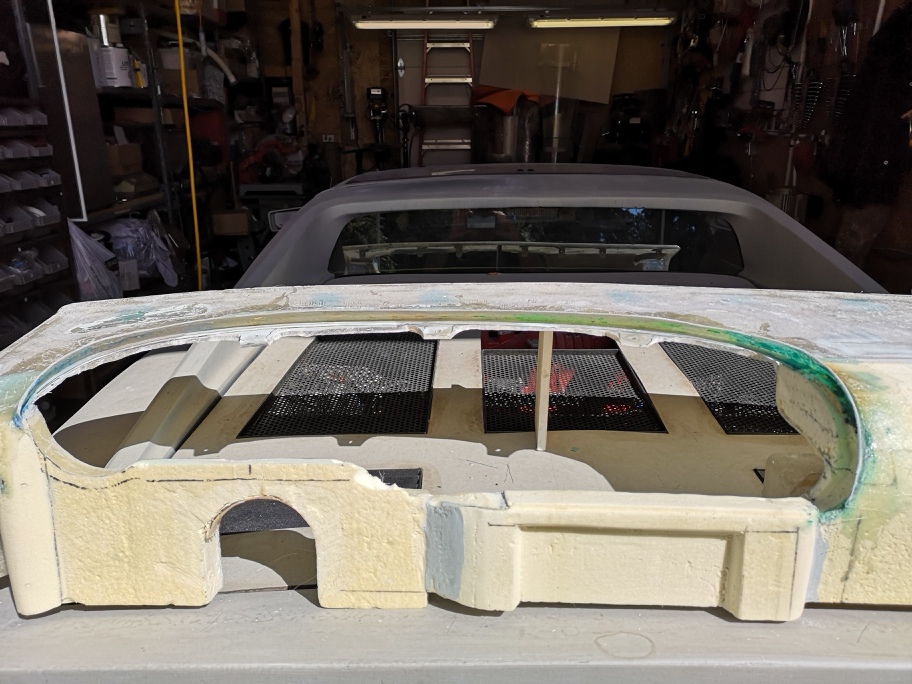
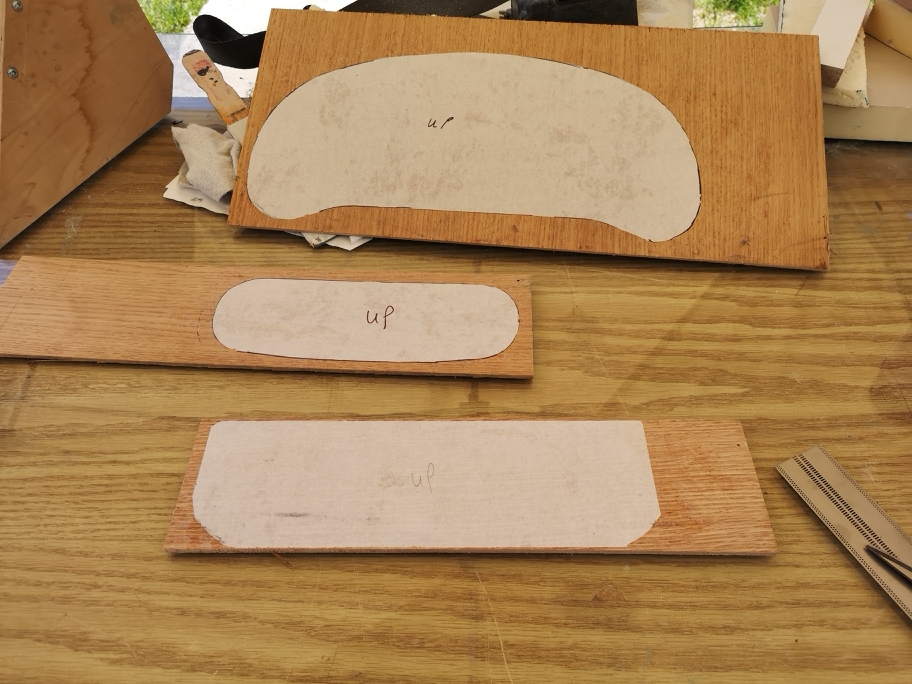
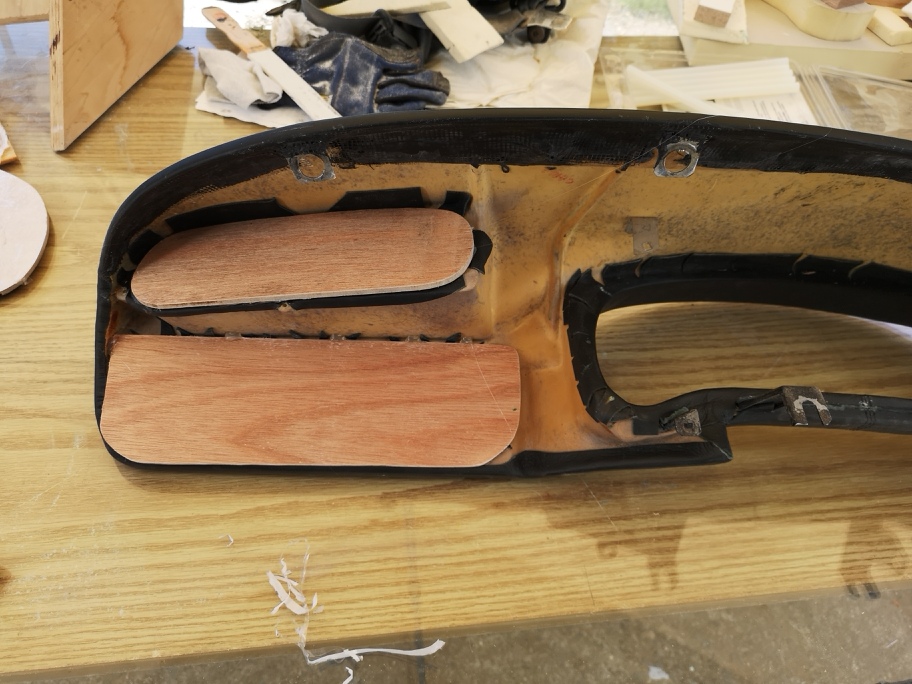
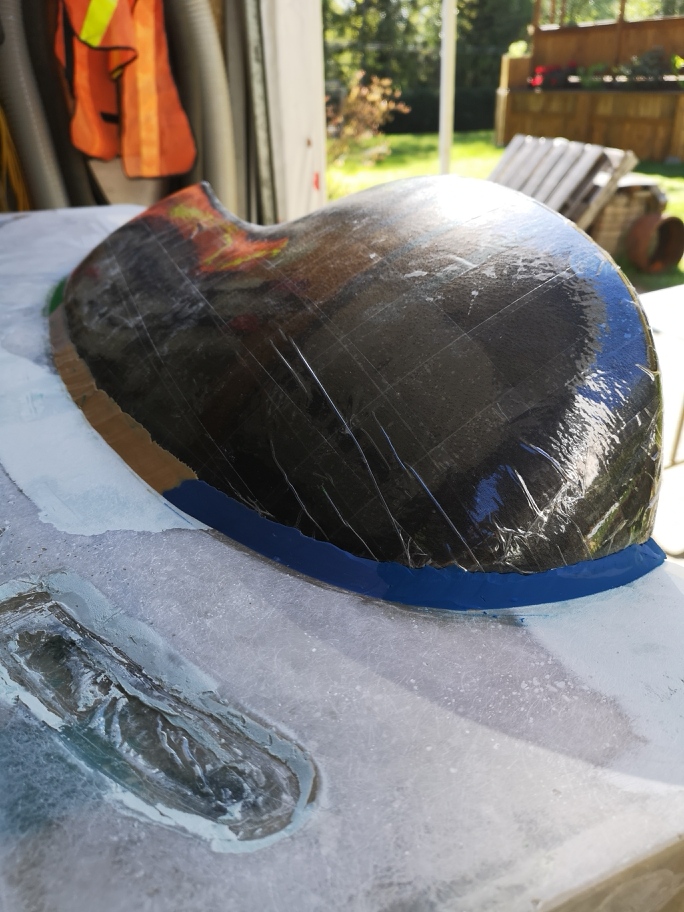
So I was wanted to creat a one piece dash incorporating the dash pod into the dash as fibreglass rather than the stock leather as I want to upholsterer the dash in Alcantera . So this requires making a mold of the dash pod but first having a transition I needed a lip on the dash to the pod.
The first pics I used packing tap to protect the dash from the process. Glassing a 3” strip over the fairing I made using plaser scene as it isn’t affected by the resize.[This message has been edited by dobie1 (edited 04-30-2019).]
|
|
|
|
Easy8
|
APR 30, 07:06 PM
|
|
|
|
|
RCR
|
APR 30, 07:23 PM
|
|
| quote | Originally posted by dobie1:
So what is everyone using to post pics.
I appreciate any help here, have a couple updates.
Thanks in advance
Wayne |
|
Still using PIP.
Bob
 [This message has been edited by RCR (edited 04-30-2019).]
|
|
|
|
dobie1
|
MAY 01, 12:13 AM
|
|
|
|
|
RCR
|
MAY 01, 12:18 PM
|
|
| quote | Originally posted by dobie1:
there are a bunch more pics but the files are too big, I need to reduce the resolution of the pics.
But I finally figured out how to get the pics in. Thanks Bob!!!
Wayne
|
|
No problem. I wish I could do more. The way I resize images is a PITA, so I won't suggest it unless it's a last resort. Someday I may look into something easier. 
Bob
|
|
|
|
Neils88
|
MAY 01, 07:47 PM
|
|
|
I always open the pics in Microsoft Paint and use the resize function. It's really quick and easy... but you do have to do it to each pic one at a time. Unfortunately there isn't a batch edit function.
|
|

|
Patrick
|
MAY 01, 08:05 PM
|
|
| quote | Originally posted by dobie1:
there are a bunch more pics but the files are too big, I need to reduce the resolution of the pics.
|
|
PIP requirements/restrictions are... Maximum width - 1024 pixels. Maximum file size - 300 kb.
I use IrfanView for image resizing, It's free. It's great. One feature of IrfanView that I really like is that you can set the maximum file size of the JPG image before you save it. The program itself then works out the compression required, and implements it. Takes all the guesswork out, makes the process so easy.
And if that's not enough... it does batch editing/resizing.  Do a whole folder of images with one click. Do a whole folder of images with one click.[This message has been edited by Patrick (edited 05-01-2019).]
|
|
|
|
fieroguru
|
MAY 01, 10:06 PM
|
|
|
Am I the only one who changes the resolution of the photos in the camera settings so the pictures are the proper size and don't need resizing... just upload and go.
|
|
|
|
pmbrunelle
|
MAY 01, 10:11 PM
|
|
I have used this tool:
http://www.rw-designer.com/picture-resize
Dirt simple!
I don't snap my pics at low resolution; I want my personal archives to be high quality.
What ends up on the site here are low-quality exports.
|
|
|
|
dobie1
|
MAY 01, 10:15 PM
|
|
I’m already at my lowest resolution, my Huawei P20 pro lowest is 7MP 2736x2736. But thanks to everyone that has helped I’ll look at Patrick’s recommendation. I my have to use my old phone much lower res.
Wayne
|
|
|