 
     |
| New PFF features - I've been busy! (Page 6/14) |

|
Patrick
|
DEC 02, 09:10 PM
|
|
Maybe someone who uses a phone to post at this forum (and/or Cliff) can answer this... as I only use my PC (which works just fine with the new system).
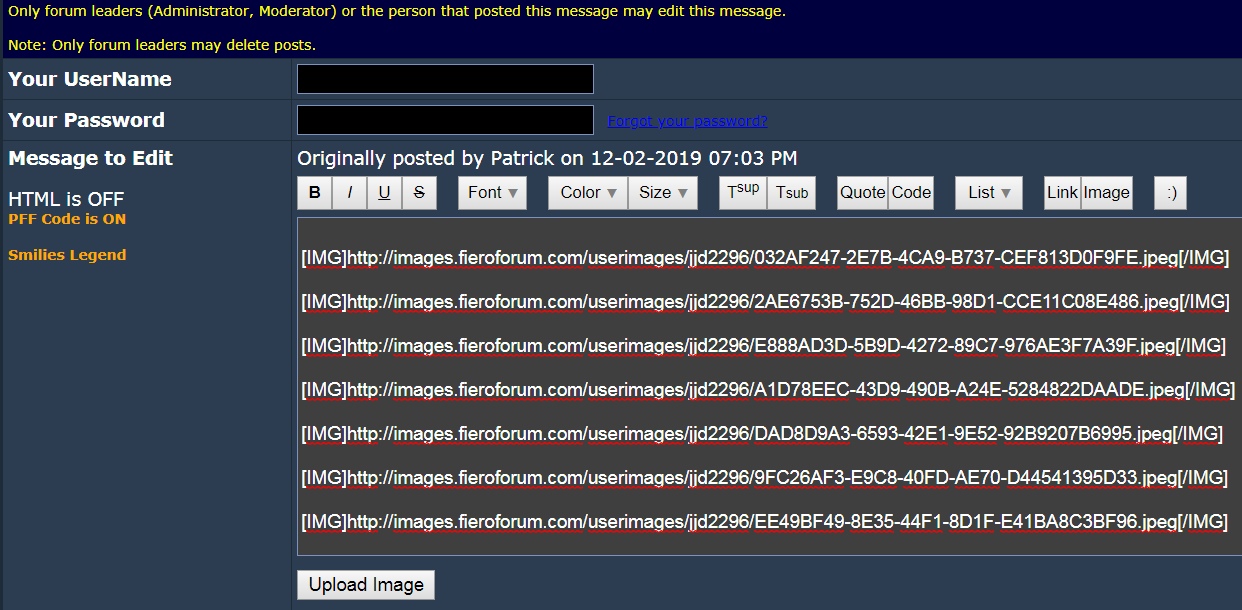
With Cliff's new image upload system, can the Enter key on a phone not be used a couple of times between uploaded images to create a space between posted images?
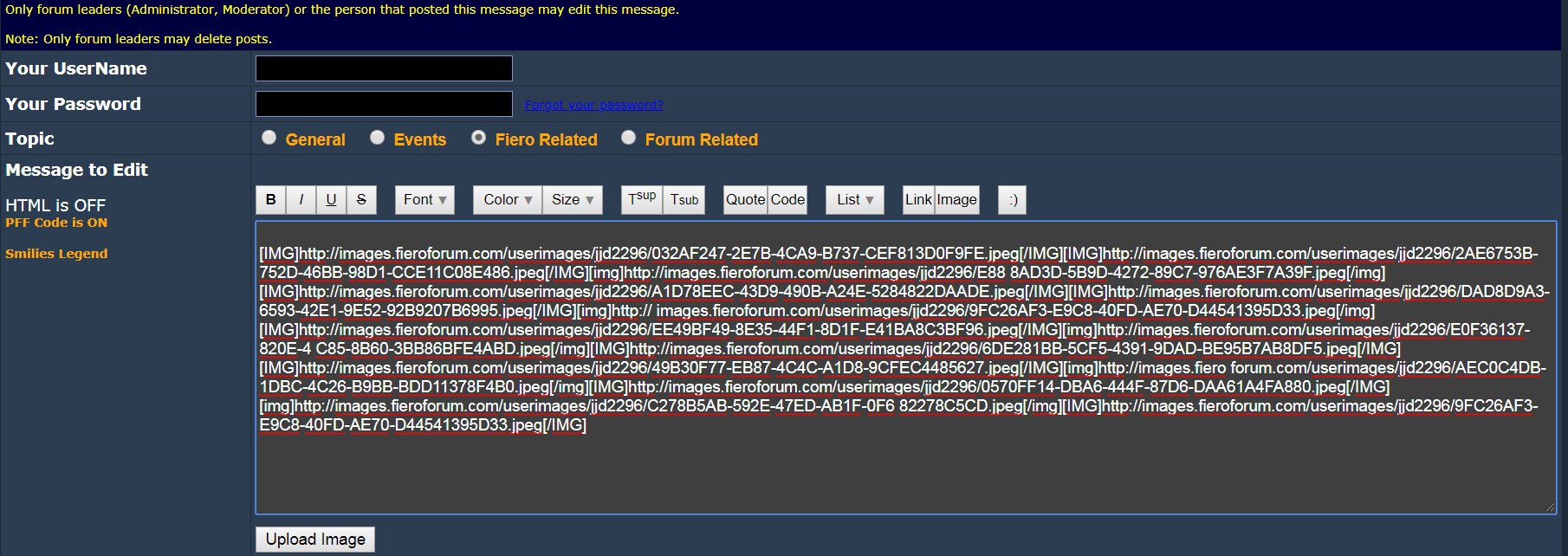
More importantly, using the Enter key a couple of times between image addresses would also prevent the image addresses from becoming corrupted (when a space is introduced in the middle of the address during formatting of the post)... as with this corrupted image address below.
[img]http://images.fieroforum.com/userimages/jjd2296/C278B5AB-592E-47ED-AB1F-0F6 82278C5CD.jpeg[/img]Click to show
Here's an example. Is there a reason why the Enter key on a phone can't be used during the image upload process to create text that looks like the second picture?
|
|

|
Blacktree
|
DEC 02, 10:14 PM
|
|
I noticed that on my phone, i can't resize the forum pages anymore. As far as I can tell, this is the only website with that problem. I'm using Firefox for Android, if that makes any difference.
Also, is there a way to dismiss the PFF logo at the top of the screen? It covers up about 1/3 of the screen on my phone.
|
|
|
|
Skatulaki
|
DEC 02, 10:24 PM
|
|
|
Thank You Cliff for updating and all your hard work, I will make a donation soon, I'm new here and just trying to figure it all out, and things change fast!
|
|
|
|
Cliff Pennock
|
DEC 03, 01:01 AM
|
|
| quote | Originally posted by Blacktree:
I noticed that on my phone, i can't resize the forum pages anymore. As far as I can tell, this is the only website with that problem. |
|
That's not a problem but actually a design choice. It's weird that you haven't seen that mine often because there are many many sites that disable zoom on mobile phones...
| quote | I'm using Firefox for Android, if that makes any difference.
Also, is there a way to dismiss the PFF logo at the top of the screen? It covers up about 1/3 of the screen on my phone. |
|
There shouldn't be a PFF logo at the bottom. So something is not rendering correctly on your end. Could you post a screenshot?
|
|
|
|
Cliff Pennock
|
DEC 03, 01:39 AM
|
|
| quote | Originally posted by fierobear:
Maybe it is because I’m on my iPad, but I don’t see the arrows.
|
|
Aahhh, I just realized that on an iPad, you who still see the desktop interface. The mobile interface will only show up on mobile phones.
|
|
|
|
Blacktree
|
DEC 03, 02:18 AM
|
|
| quote | | Originally posted by Cliff Pennock: There shouldn't be a PFF logo at the bottom. So something is not rendering correctly on your end. Could you post a screenshot? |
|
It appears the page header is doing that on my phone (i.e. the mobile website). It only happens when the phone is in landscape mode. The page header (with the PFF logo in it) expands to fill about 1/3 of the screen. Also, it acts like it's "stickied" to the top of the screen. So I can't scroll past it. And it acts like it's on a separate layer, on top of the rest of the website. So it covers things up.

Things get really messy when I try to write a post while the phone is in landscape mode. Between the header and the on-screen keyboard, they cover up almost the entire screen.

Also, my phone does not switch to the desktop version of the website in landscape mode. It displays the mobile version only.
|
|
|
|
David Hambleton
|
DEC 03, 09:09 AM
|
|
FWIW, on my Android phone the banner with Cliff's car stays about in the middle of portrait screens while other content scrolls behind; in landscape rotation, the banner may be at the top or bottom.
Depending on where I'm looking in the system the banner is in different places... 
Aside from the banner wandering around in the way, I think the mobile friendly format is fabulous. 
|
|
|
|
Cliff Pennock
|
DEC 03, 09:18 AM
|
|
| quote | Originally posted by David Hambleton:
FWIW, on my Android phone the banner with Cliff's car stays about in the middle of portrait screens while other content scrolls behind; |
|
Can you post a screenshot?
|
|
|
|
Fierochic88
|
DEC 03, 12:04 PM
|
|
|
So exciting!! Thanks Cliff!!
|
|
|
|
PK
|
DEC 03, 01:41 PM
|
|
Test....
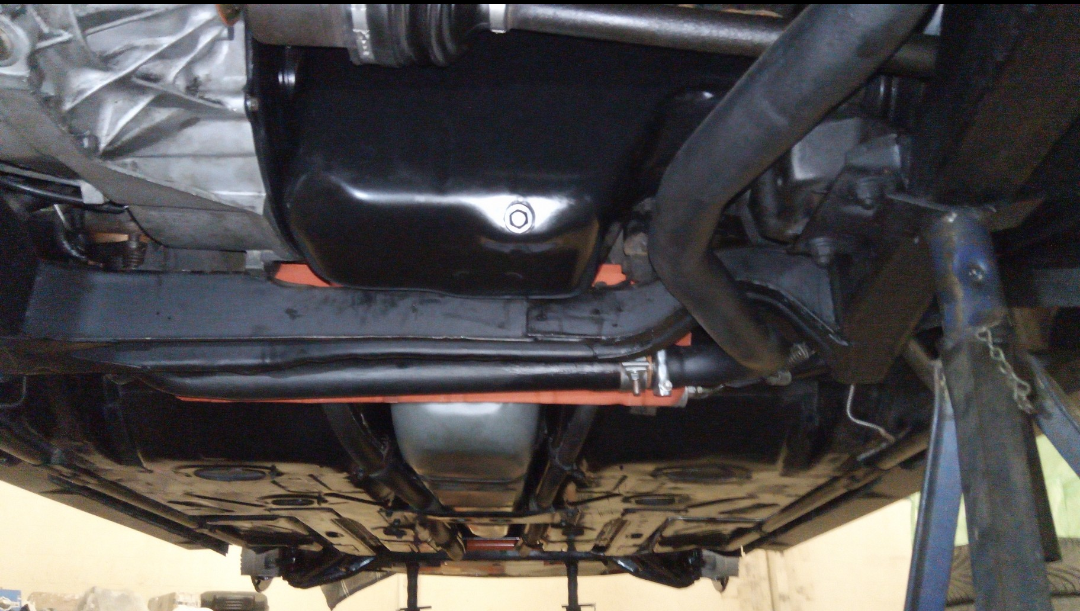
Could it be? ...
|
|
|
